




Power Platform Pack: Pre-Built Workflows and Forms for Microsoft 365
Approve news, amplify announcements, gather employee feedback and keep documents current, without building each process from scratch.
Our Power Platform Pack is a collection of pre-built Power Platform applications for Microsoft 365 workflows and forms. It includes 12 ready-to-use capabilities, the Addin365 Power Centre and a builder app as part of the Power Platform Pack, that your in-house team can use to build context-aware apps.
Learn more about the Power Platform Pack
What Is the Addin365 Power Platform Pack?
Power Platform Pack provides pre-built Power Platform applications for many of the standard workflow and form requirements organisations need to support their digital employee experience. The Power Platform Pack works within your existing Microsoft 365 and Power Platform environment.
For internal communications teams, that means less manual effort behind approvals, news distribution and employee feedback. For employees, it means simpler ways to share feedback, respond to surveys, request contributor access and receive important news in the Microsoft channels they use. For IT and digital workplace teams, it means a consistent starting point for Power Platform: working applications for common requirements, and a defined approach for what your own makers build next.
The Pack has three parts:
- Pre-built Power Platform applications for many of the standard requirements your organisation will have for workflows and forms.
- The Addin365 Power Centre, a hub for Power Platform users with guidance on naming conventions, controls and other standards.
- A builder app, so your in-house team can develop its own context-aware applications.
Common Business Processes You Can Launch Quickly
SharePoint Approval Workflows for News, Pages and Documents
Give content owners a defined route to final sign-off before news, pages and documents are published.
The news and page approval solution gives content approvers final sign-off on new or edited content.
Single-level document approval supports one approval stage, while multi-level document approval takes a document through three configured approval stages before publication. Activity logging records details associated with submitted documents.
News Amplification: Send Announcements to Where People Work
Publish a targeted announcement once and send it via Microsoft Teams Chat, into a Microsoft Teams Channel or Viva Engage community with the Amplify flow. Employees see important news in the places they already work.
“Addin365’s Power Platform Pack, particularly the approval and amplify flows, have been invaluable in helping us to distribute Gatehouse Bank’s internal news announcements to all areas of the business.”
Ellie Thorne, Internal Communications Officer, Gatehouse Bank
Employee Feedback, Surveys and Contributor Requests
Give employees clear ways to share feedback, respond to questions and request contributor access.
The feedback form provides a route for employees to share insight on the subjects that matter to your organisation. The survey form lets you ask employees for their views on a chosen topic. The Become a Contributor form allows an employee to submit a request to become a site contributor.
Keep Documents Accurate with Review Workflows
Keeping documents accurate takes ongoing attention, not just a good first draft. Three Power Platform Pack capabilities support different points in the review process:
- Document review submission: submit a new document for multi-stage review before final release.
- Document usage submission: inform document owners where their content has been shared.
- Scheduled document review: support regular attestation and retirement reviews for documents in a SharePoint library.
Ask Employees to Complete Their Profile Data
If employee profile data is incomplete, the sign-up and profile-data flow asks employees to provide an update to their details.
Project Status at a Glance
See the overall health of your project tasks in one dynamic dashboard.
A Power Platform Accelerator for IT and Digital Workplace Teams
The Power Platform Pack gives your organisation a head start on common workflows and forms, reducing the need to approach every requirement as a new development project.
Alongside the 12 pre-built capabilities, the Addin365 Power Centre provides standards, controls and a catalogue, while the context-aware builder gives your in-house team a structured way to develop its own applications. This means you can meet common requirements today while creating a consistent foundation for what your organisation wants to build next.
Have broader Power Platform requirements? Our Power Platform services can help you make more of the platform across your organisation.
Power Platform Pack vs Microsoft Power Platform: What's Included?
Microsoft Power Platform provides the tools, templates and approval actions organisations can use to build apps and automate processes. The Addin365 Power Platform Pack gives you a defined collection of ready-to-use solutions for common organisational requirements.
|
Ready-to-use solution |
Included as a defined solution in Microsoft Power Platform |
Addin365 Power Platform Pack |
|
Combined news and page approval solution |
✕ |
✓ |
|
Single-level document approval with activity logging |
✕ |
✓ |
|
Multi-stage document approval with activity logging |
✕ |
✓ |
|
Document review submission solution |
✕ |
✓ |
|
Scheduled document review with attestation and retirement reviews |
✕ |
✓ |
|
Document usage submission solution |
✕ |
✓ |
|
Amplify flow for Microsoft Teams and Viva Engage |
✕ |
✓ |
|
An employee feedback form |
✕ |
✓ |
|
An employee survey form |
✕ |
✓ |
|
Site contributor request form |
✕ |
✓ |
|
Profile update flow |
✕ |
✓ |
|
A project status dashboard |
✕ |
✓ |
Our Power Platform Pack gives organisations a defined set of ready-to-use solutions, reducing the need to design and configure each requirement separately.

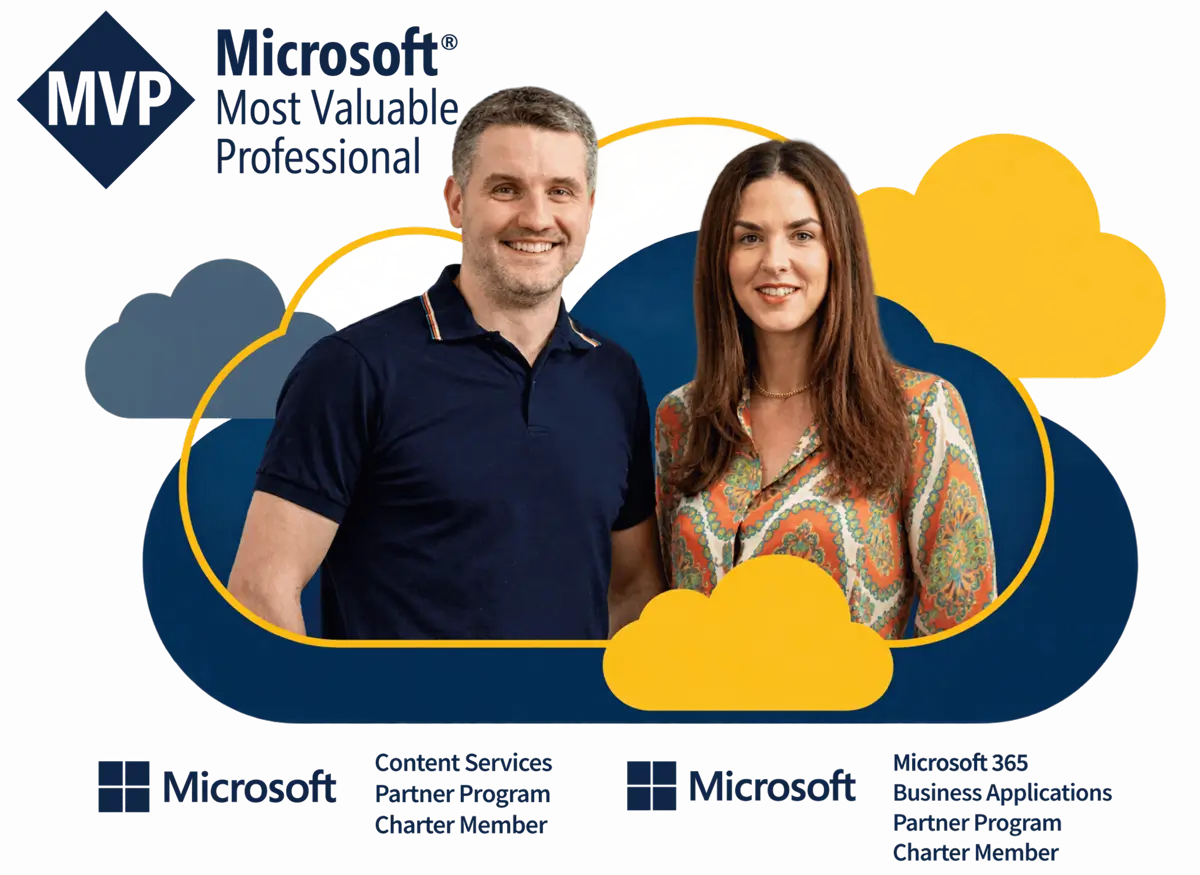
Microsoft expertise built-in
Home to 2 Microsoft MVPs and a trusted Microsoft Partner
Our products are designed by two Microsoft Most Valuable Professionals (MVPs), recognised by Microsoft for their deep technical expertise.
For you, that means products built with a deep understanding of Microsoft 365 from the outset. We help you extend the technology you already have, add the capabilities your organisation needs and get more value from your Microsoft investment.





“Addin365’s Power Platform Pack, particularly the approval and amplify flows, have been invaluable in helping us to distribute Gatehouse Bank’s internal news announcements to all areas of the business.”
They’re in – are you?
Some of our clients using the Power Platform Pack


Ready to Simplify Your Everyday Workflows?
Discover how the Power Platform Pack can streamline common workflows and give your teams more time to focus on higher-value work.
Frequently Asked Questions
What is the Addin365 Power Platform Pack?
The Addin365 Power Platform Pack is a collection of pre-built Power Platform applications for Microsoft 365 workflows and forms. It includes pre-built capabilities, the Addin365 Power Centre and a context-aware builder, and acts as a Power Platform accelerator for your organisation.
What workflows and forms are included in the Power Platform Pack?
News and page approval, single-level document approval, multi-level document approval, a project status dashboard, a survey form, a become a contributor form, a news amplification flow, a feedback form, document review submission, document usage submission, sign up and profile data, and scheduled document review.
Which SharePoint approval workflows does the Power Platform Pack include?
News and page approval, single-level document approval and multi-level document approval. In each, approvers give final sign-off before content is published.
How does the Power Platform Pack support document review?
Three Power Platform Pack capabilities support different points in the document review process. Document review submission passes a new document through multi-stage review before final release. Document usage submission tells owners where their content has been shared. Scheduled document review supports regular attestation and retirement reviews for documents in a SharePoint library.
Can our organisation build its own applications with the Power Platform Pack?
Yes. Addin365 provides a context-aware builder as part of the Pack, so your in-house team can develop its own applications using a defined set of standards and controls.
Fill out the form to speak with one of our expert Microsoft MVPs.
We’re happy to talk to both technical whizzes and those who may be feeling a little lost, so please let us know if there’s anything specific you’d like to cover on the call.
Our data collection is fully GDPR compliant and we will never share your information.